To log in to your Qoezion account, go to http://app.qoezion.com . Enter your Qoezion account e-mail address, then your password.

Log in with Facebook or Google
If you signed up with Google or Facebook, just click Continue with Google/Facebook to log in.

If you are not already logged in to Facebook/Google, these services will ask you to log in to use your account with Qoezion.

Forgotten password
Click on Forgot your password? to receive a code at your email address to reset your password.

According to your email service provider, you may have to wait some minutes before you receive the code; please also check your spam folder.
Enter the code received by email and choose a new password, long and secure enough.

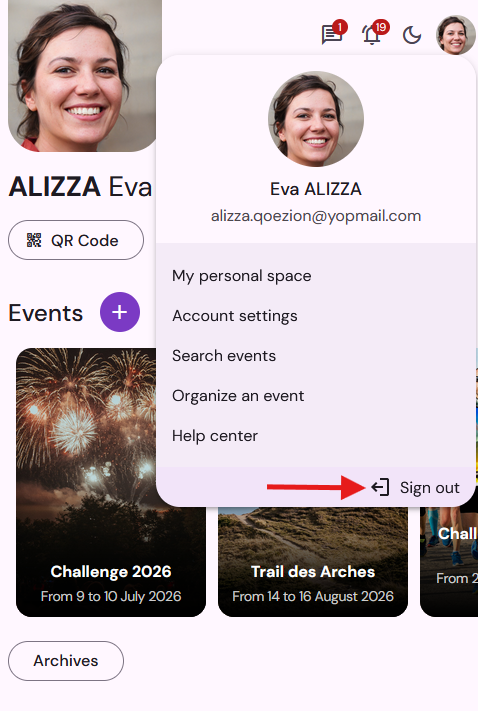
Sign out
To sign out, click on Sign out on the top right corner of your screen.